NO VPN SUBSCRIPTION
Pay once.
Make it yours.
Buy the app once. Your ongoing costs are the AWS resources you use.

YOUR VPN. YOUR CLOUD.
Your own private VPN server.
Your AWS account. Your rules.
AWS usage billed separately.
See how it works
NO VPN SUBSCRIPTION
Buy the app once. Your ongoing costs are the AWS resources you use.
YOUR SERVER
Your traffic goes through your own server in your AWS account.

SIMPLE TO START
Sign in with AWS in the app. Pick a location. We handle the setup. You control the server.

PAY FOR WHAT YOU USE
Disconnect stops compute. Storage still costs a little.
NO LOCK-IN
Delete your server and its disk in Settings. Connect again whenever you want to rebuild.
BRING YOUR DEVICES
Pair another device from the app, or reopen pairing through AWS.
Get Yeah Nah VPN for your iPhone or Mac.
iPhone

Coming soon
Mac
Coming soon
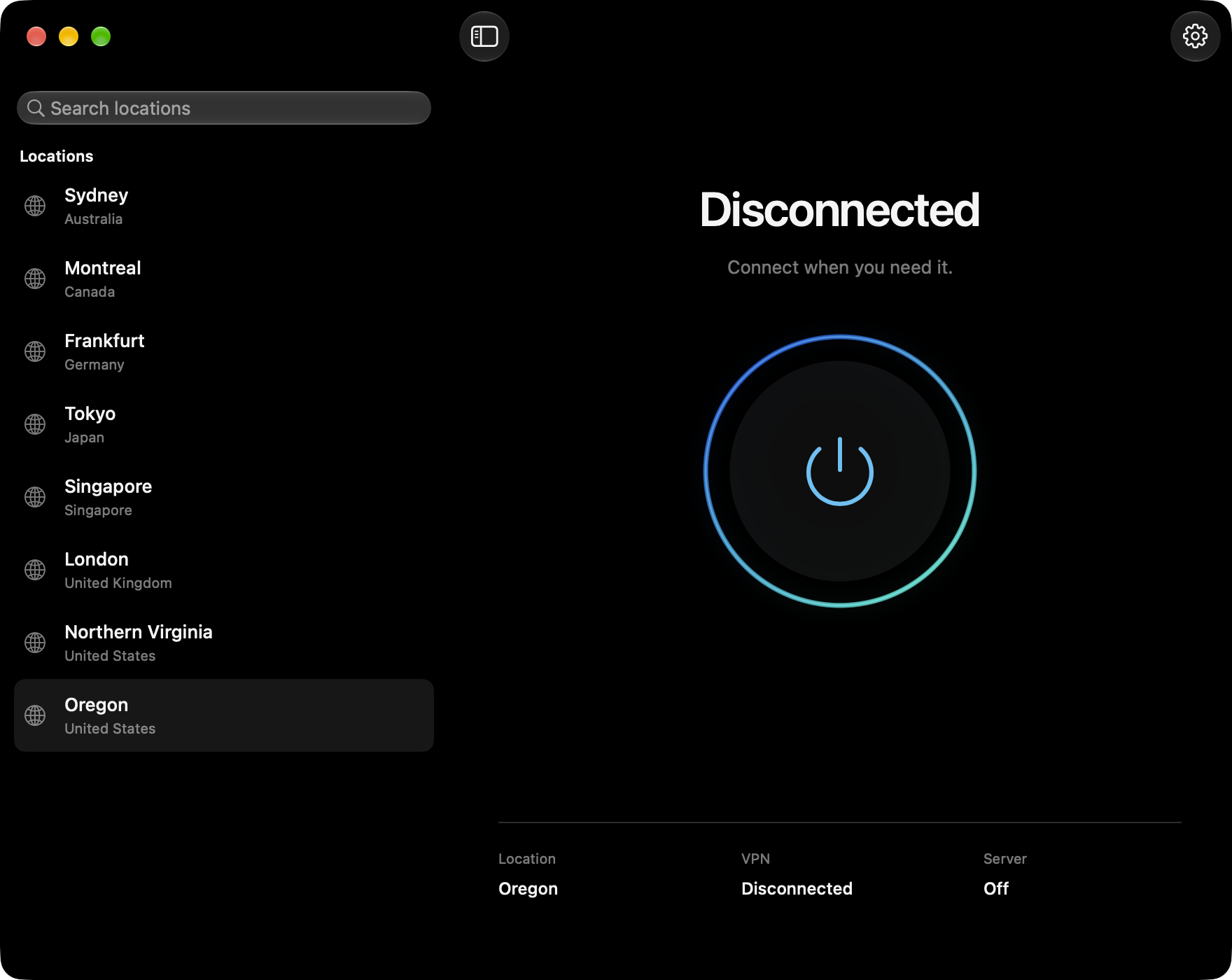
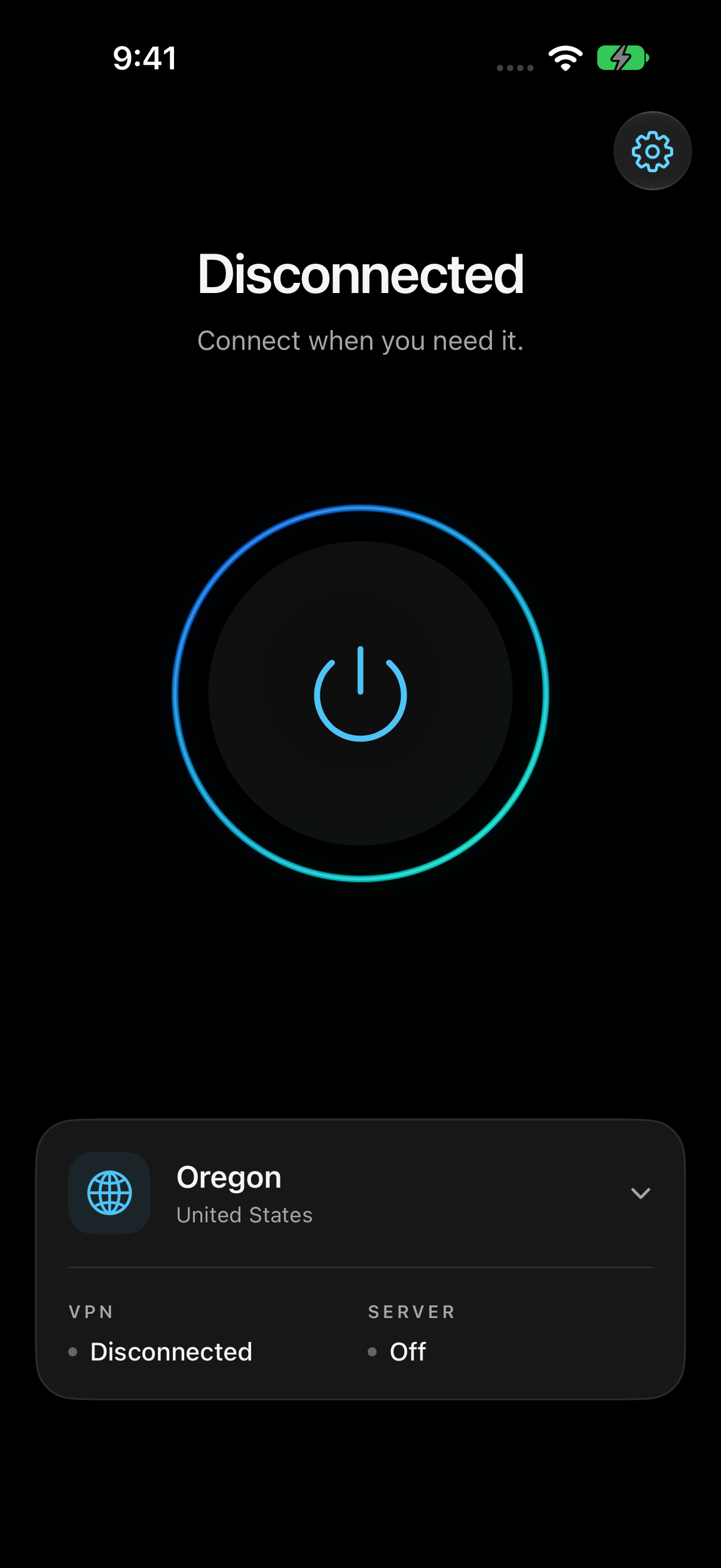
Open setup, then sign in with AWS in the app and choose Install. Your device pairs automatically.
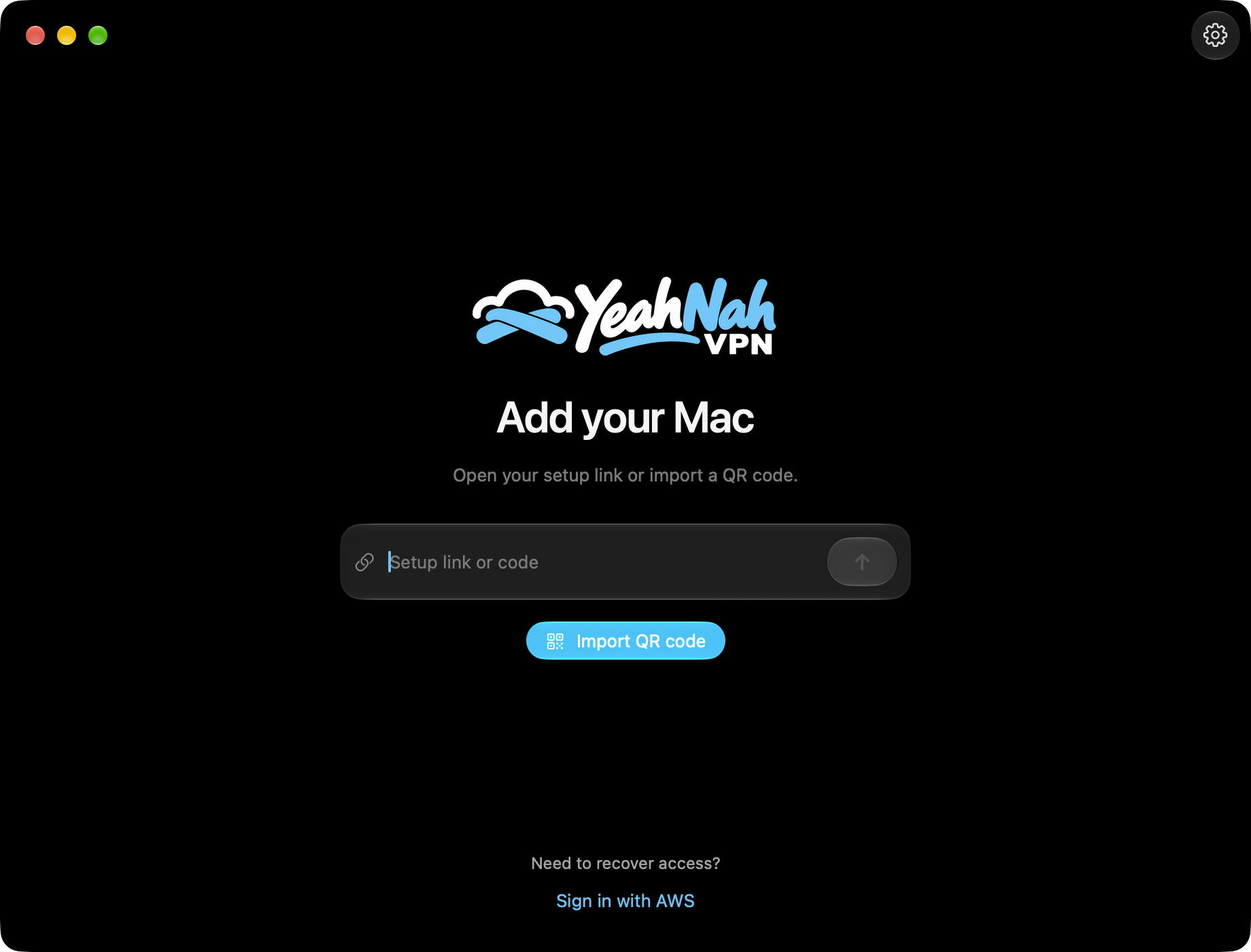

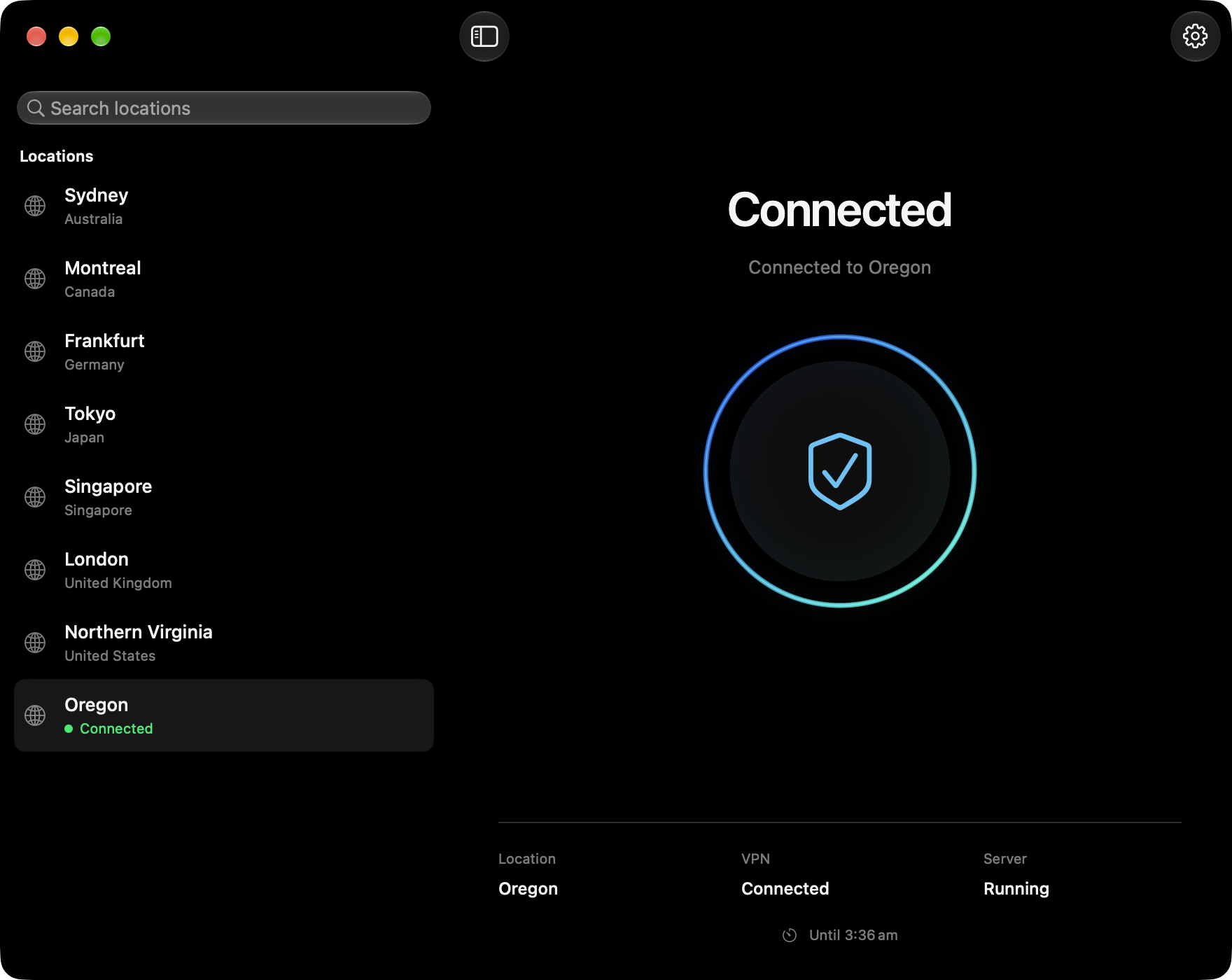
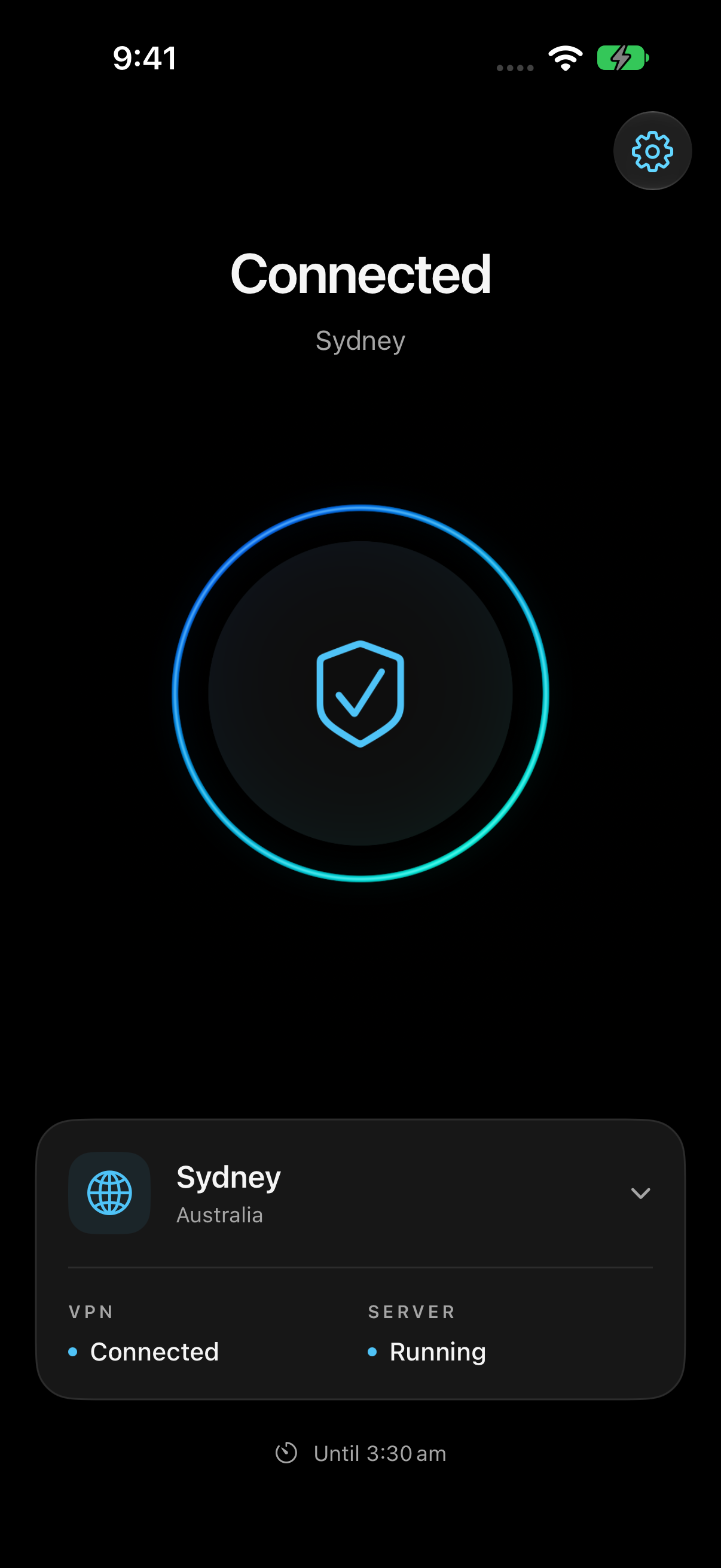
Pick a location, then press Connect on your iPhone or Mac.
The first start in a new location takes a few minutes. Press the centre button again to disconnect and stop the server.
COMPARE YOUR OPTIONS
See how Yeah Nah VPN compares with NordVPN, Proton VPN and ExpressVPN on price, privacy and everyday use.
Your own server or a ready-to-use subscription. Compare the cost and who’s in control.
Read comparisonFree and paid optionsCompare our running costs with Proton’s paid plan. Its free plan costs nothing.
Read comparisonOwn it or subscribeCompare your own on-demand server with ExpressVPN’s monthly subscription.
Read comparisonIn Oregon, the server and its internet address cost about 1.34 US cents per running hour. Keeping its disk costs about US$0.64 per month.
| Usage | Estimate |
|---|---|
| 2 hours a day | $1.44 |
| Running 24/7 | $10.29 |
| Stopped all month | $0.64 |
| Server deleted | $0 |
One Oregon server, 30-day month, disk kept until deleted. Deleting ends future server and disk charges; earlier usage still applies. Excludes data transfer, other AWS services, tax and the app purchase. Credits may reduce your bill. Prices vary by location.
Checked 22 Oct 2026 · Compute · IP address · Storage
The US$9.99 payment buys the app once. It does not include AWS hosting costs. There’s no recurring VPN subscription from us. AWS bills you separately for the resources you use.
Once the server stops, compute billing stops and its temporary public IP is released. The disk stays for a faster restart.
Choose Delete server to remove that disk too. The app’s remaining AWS services can still incur charges.
It can. AWS currently includes 100 GB of internet data out each month, shared across your account’s eligible services and regions. Beyond that, regional data-transfer rates apply. Heavy streaming or downloads can cost more than the server itself.
AWS data-transfer pricing · China and GovCloud are excluded from this allowance.
Free VPNs vary. Some monetise activity data, while others, such as Proton Free, offer a no-logs service funded by paid plans. Check the provider’s policy and track record.
With Yeah Nah VPN, you control your own server, location and access in AWS. Your traffic goes through your server, not ours or a shared VPN service.
It’s for people who want their own server and usage-based costs instead of another subscription. Occasional use can be economical, and you decide when the server exists.
A flat-rate VPN may be cheaper for heavy use, and may offer more locations or streaming features. The advantage here is ownership and control.
A paid VPN still requires trust. Its operator can see connection details and unencrypted traffic. HTTPS protects page contents and passwords.
Breaches have happened: NordVPN disclosed a 2018 server breach, though it reported no affected user credentials or evidence of traffic monitoring.
Yeah Nah VPN keeps your traffic off a VPN provider’s servers. You control the server in AWS, but still trust AWS and need to keep your account and server secure. More control doesn’t automatically mean more security.
You control the VPN endpoint, but you still trust AWS as the host. A personal IP is tied to your AWS account; it doesn’t make you anonymous. Websites can still identify you through logins and cookies.
YOUR INTERNET. YOUR CALL.
Your own VPN. In your own AWS account.
$9.99 USD · one-time purchase